INTERPOLATION
Blend the neighbours
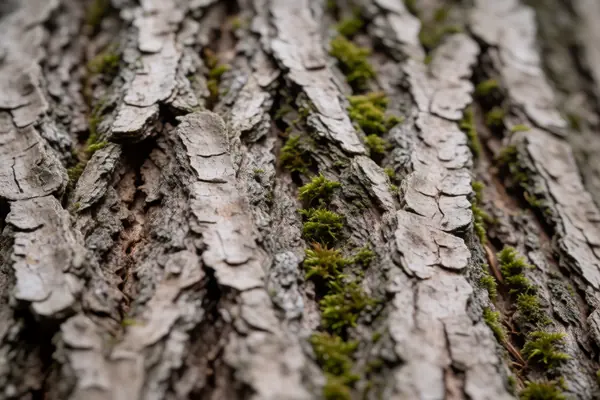
Bicubic and similar methods fill each new pixel from a fixed mix of nearby pixels. They are fast, but Google researchers note the result looks blurry, not enhanced.
Compare the methods funaiphotos
HOW AI UPSCALING WORKS
An upscaler has to make up most of the pixels.
Compare the methods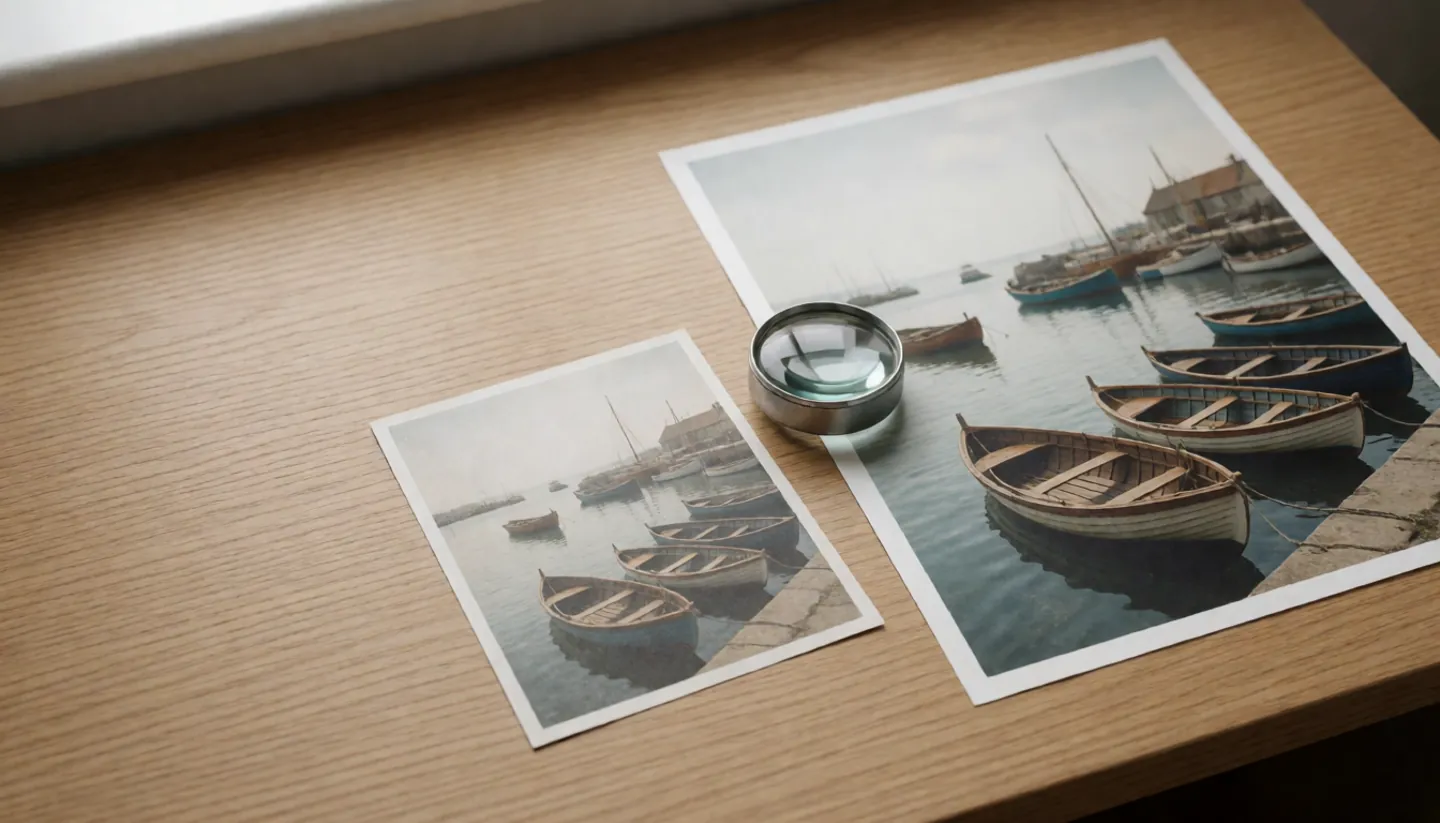
BEST GUESSnot a recovered original
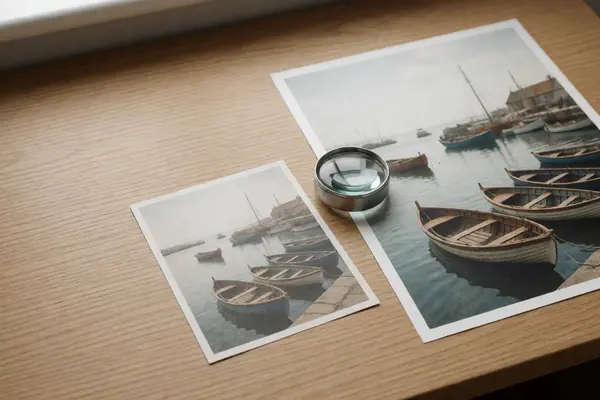
Blow a small photo up four times and it needs 16 pixels for every one it started with. Older methods blend the neighbours and look soft; AI upscalers fill the gap with detail learned from other photos. It looks real because it was trained to.
Updated
THE SHORT ANSWER
Every upscaler fills in pixels the camera never recorded.
The difference is how it decides what goes there.
INTERPOLATION
Bicubic and similar methods fill each new pixel from a fixed mix of nearby pixels. They are fast, but Google researchers note the result looks blurry, not enhanced.
Compare the methodsGAN UPSCALERS
SRGAN (2016) and ESRGAN (2018) were trained to produce photo-realistic texture. The ESRGAN authors call these “hallucinated details”.
See the numbersONE IMAGE, MANY ANSWERS
The PULSE researchers point out that many high-resolution images can shrink to the same small one. An upscaler picks one of them.
How to use it wellA QUICK METHOD CHECK
Pick a kind of upscaler to see how it fills the gaps. The bar shows how much of the added detail is generated rather than blended from the original pixels.
Summarised from the research papers listed under Sources. Real apps rarely say which method they use, and many combine several.
TWO NUMBERS WORTH KNOWING
One figure on how many pixels an upscaler must fill,
one on how far research has pushed it.
15 of every 16
New pixels per original pixel
SRGAN was described as the first framework able to infer photo-realistic images at 4× upscaling. Four times wider and taller means 16 pixels for each original, so 15 of them are computed.
4× UPSCALING · SRGAN
32×
Upscaling factor in the paper's first figure
The PULSE paper's opening example enlarges a face 32 times in each direction. Its authors call the task face hallucination and stress that many sharp images fit one blurry input.
FACE EXAMPLE · PULSE
Blau and Michaeli proved in 2017 that distortion and perceived quality are at odds: as an image restorer gets closer to the original on average, its results get easier to tell apart from real photos, and vice versa.
FOUR HABITS FOR UPSCALING
AI upscaling is great for making an old snap print well or fill a screen. These habits keep the made-up detail in its place.
Save the upscaled version as a copy. The small original is the only record of what the camera actually captured.
Smaller factors leave less to invent. A 2× enlargement fills 3 of every 4 pixels; 4× fills 15 of every 16.
Eyes, teeth, lettering and number plates are where generated detail is most likely to be convincing but wrong.
If a picture has been AI-upscaled, say so, especially for old family photos that others may treat as a true likeness.
THE TRADE-OFF
Upscalers trained to be accurate on average blur fine detail, because the safest answer is an average of all the possibilities. The PULSE authors explain that this average of realistic images is itself not a realistic image.
GAN upscalers chase realism instead and add texture that looks right. Blau and Michaeli showed mathematically that you cannot fully have both, which is why a crisp upscaled photo should be read as a plausible version, not a recovered one.
Questions
Not in the sense of finding what was there. The PULSE researchers note that many high-resolution images can correspond to the exact same low-resolution image. An upscaler picks a plausible one.
Linear methods such as bicubic fill new pixels with fixed combinations of nearby pixels. Google's RAISR team noted that the result looks blurry and that one would hesitate to call it enhanced.
A GAN pairs the upscaler with a second network that tries to tell its output from real photos. That pushes the result towards realistic texture, which ESRGAN's authors describe as hallucinated detail.
Not for accuracy. Blau and Michaeli proved that perceived quality and average accuracy are at odds, so the most realistic-looking result is not the closest to the original.
No. Face upscalers such as PULSE generate a realistic face that fits the small image, and many different faces would fit equally well.
ABOUT THIS NAME
funaiphotos.com is part of the DoodleSale portfolio. It isn't in an auction right now, but you can ask about leasing it.